Python Essentials - Sets
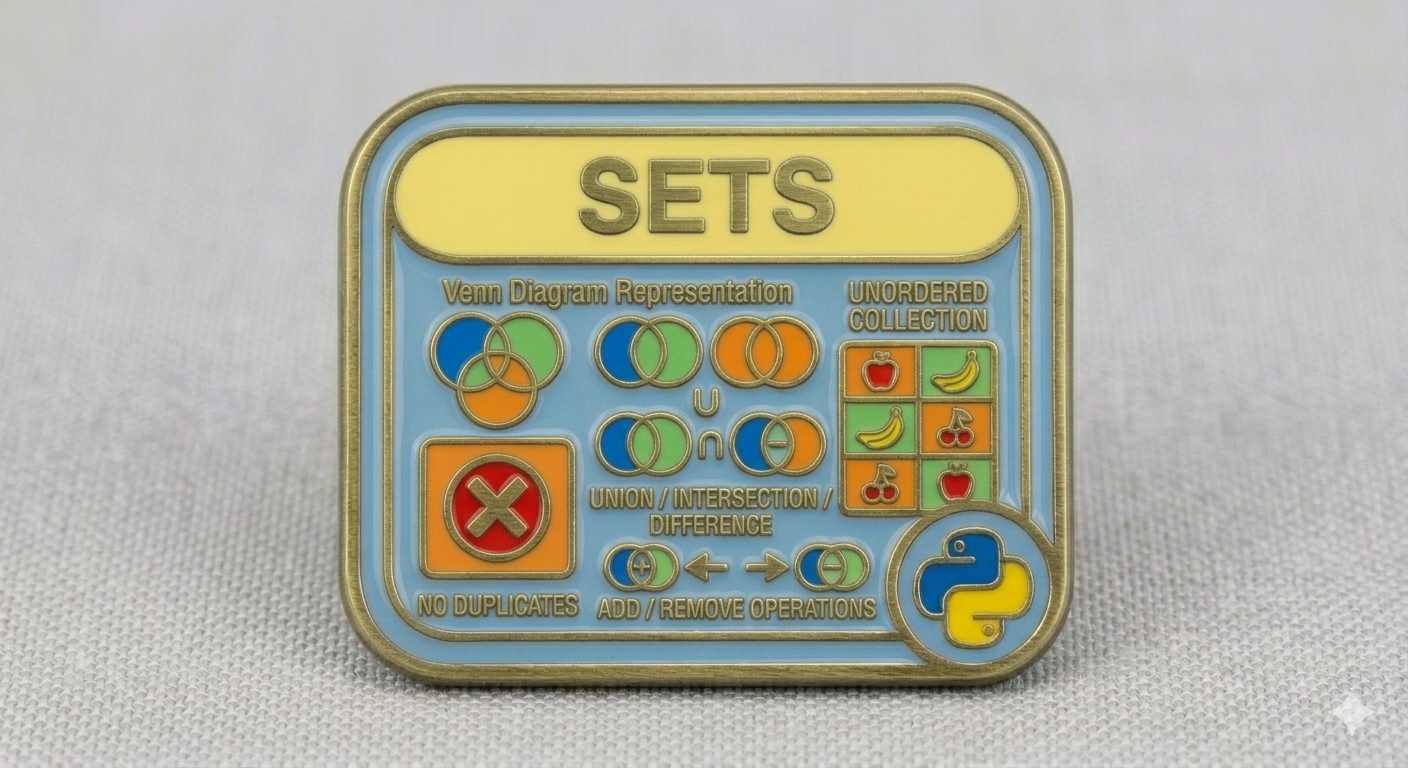
A set is just an unordered, mutable data structure that allows you to store multiple unique pieces of information of different type:
1
2
3
4
5
6
7
8
9
weapons = {
   "Boltgun",
   24.0,
   True,
   "Lascannon",
   48.0,
   False,
   "Meltagun"
}
We say unordered because the elements in a set don’t follow a particular order or sequence. If you now check out the content of your weapons set, you’ll see that:
1
2
print(weapons)
# { False, True, 'Meltagun', 'Boltgun', 48.0, 'Lascannon', 24.0 }
The elements are completely disordered. This happens because they don’t belong to a specific position or have an associated index, which is why you cannot access an element in a set by its index or do any data slicing operation:
1
2
3
4
5
meltagun = weapons[2]
# TypeError: 'set' object is not subscriptable

weapons_set = weapons[3:8]
# TypeError: 'set' object is not subscriptable
Nonetheless, you can still check the existence of an element in a set using Membership Testing:
1
2
'Meltagun' in weapons
# True
Or generate a new set from an Iterable object:
1
2
3
4
5
numbers = [ 1, 2, 3, 4 ]
square_numbers = { n ** 2 for n in numbers }

print(square_numbers)
# {16, 1, 4, 9}
When we say that a set is mutable, it simply means that you can shrink or expand the set by removing existing from or adding new elements to it:
1
2
3
4
5
6
7
8
# Adding two new elements to our set
weapons.add('Plasma Gun')
weapons.add(60)

# Removing an existing element from our set
weapons.remove('Lascannon')

# There are other interesting methods that worth taking a look at, such as: # discard, pop, clear.
Keep in mind though, that the elements contained in a set must be immutable. For example, you can create a set and include a tuple as an individual element:
1
2
favorite_colors = { "Blue", "Green", "Red", ("Orange", "Yellow", "Teal") }
# {'Red', 'Blue', ('Orange', 'Yellow', 'Teal'), 'Green'}
But trying to include a list won’t work:
1
2
favorite_colors = { "Blue", "Green", "Red", ["Orange", "Yellow", "Teal"] }
# TypeError: unhashable type: 'list'
Remember that Numbers, Booleans, Strings, and Tuples are considered immutable types in Python.
Lastly, when we say that a set stores unique values, we mean that duplicated elements are wiped out at the moment the set is created. For example:
1
2
3
4
5
favorite_colors = { "Blue", "Green", "Blue", "Green", "Blue", "Green" }
# {'Blue', 'Green'}

selection_flags = { False, True, True, False, True, True, False }
# { False, True }
As you can see, no duplicated elements are allowed to live in a set.
Set Operations
Many operations that work on a list or tuple don’t make sense for a set. However, there are several fundamental mathematical operations you can perform with sets.
Union
The union of two sets is a set that contains all unique elements from both sets, essentially, a collection with no duplicates.
1
2
3
4
5
my_favorite_colors = { "Green", "Blue", "Yellow" }
your_favorite_colors = { "Orange", "Red", "Green" }

my_favorite_colors.union(your_favorite_colors)
# { 'Yellow', 'Red', 'Green', 'Blue', 'Orange' }
Alternatively, you can use the | operator instead of the union() method, like so:
1
2
my_favorite_colors|your_favorite_colors
# { 'Yellow', 'Red', 'Green', 'Blue', 'Orange' }
Intersection
The intersection of two sets is a set containing the elements found in both sets, essentially, only the repeated/common elements to both sets:
1
2
3
4
5
my_favorite_colors = { "Green", "Blue", "Yellow" }
your_favorite_colors = { "Orange", "Red", "Green" }

my_favorite_colors.intersection(your_favorite_colors)
# { 'Green' }
Alternatively, you can use the & operator instead of the intersection() method:
1
2
my_favorite_colors&your_favorite_colors
# { 'Green' }
Difference
The difference of two sets is a set containing the elements present in the first set that are not in the second set:
1
2
3
4
5
my_favorite_colors = { "Green", "Blue", "Yellow" }
your_favorite_colors = { "Orange", "Red", "Green" }

my_favorite_colors.difference(your_favorite_colors)
# { 'Blue', 'Yellow' }
Alternatively, you can use the - operator instead of the difference() method:
1
2
my_favorite_colors-your_favorite_colors
# { 'Blue', 'Yellow' }
Symmetric Difference
The symmetric difference between two sets is a set containing the elements that are either in the first set or in the second set, but not in both:
1
2
3
4
5
my_favorite_colors = { "Green", "Blue", "Yellow" }
your_favorite_colors = { "Orange", "Red", "Green" }

my_favorite_colors.symmetric_difference(your_favorite_colors)
# { 'Yellow', 'Orange', 'Red', 'Blue' }
Alternatively, you may use the ^ operator instead of the symmetric_difference method:
1
2
my_favorite_colors^your_favorite_colors
# { 'Yellow', 'Orange', 'Red', 'Blue' }
Subset
A set x1 is considered a subset of another set x2 if every element of set x1 is in set x2. It doesn’t matter whether set x1 and set x2 are equal or not:
1
2
3
4
5
my_favorite_colors = { "Green", "Blue", "Yellow" }
your_favorite_colors = { "Orange", "Red", "Green", "Yellow", "Blue" }

my_favorite_colors.issubset(your_favorite_colors)
# True
Alternatively, you may use the <= operator instead of the issubset() method:
1
2
my_favorite_colors<=your_favorite_colors
# True
Keep in mind that a set is considered a subset of itself:
1
2
3
my_favorite_colors = { "Green", "Blue", "Yellow" }
my_favorite_colors.issubset(my_favorite_colors)
# True
Proper Subset
A set x1 is considered a proper subset of another set x2 if every element of set x1 is in set x2. However, set x1 and set x2 must not be equal.
1
2
3
4
5
6
7
8
9
my_favorite_colors = { "Green", "Blue", "Yellow" }
your_favorite_colors = { "Yellow", "Blue", "Green" }
their_favorite_colors = { "Blue", "Green", "Yellow", "Orange" }

my_favorite_colors<your_favorite_colors
# False

my_favorite_colors<their_favorite_colors
# True
A set cannot be considered a proper subset of itself:
1
2
3
my_favorite_colors = { "Green", "Blue", "Yellow" }
my_favorite_colors<my_favorite_colors
# False
You can tell why?.
Superset
It’s the reverse of a subset. A set x1 is considered a superset of set x2 if every element of set x2 is in set x1:
1
2
3
4
5
their_favorite_colors = { "Blue", "Green", "Yellow", "Orange" }
my_favorite_colors = { "Green", "Blue", "Yellow" }

their_favorite_colors.issuperset(my_favorite_colors)
# True
Alternatively, you can use the >= operator instead of the issuperset() method:
1
2
their_favorite_colors>=my_favorite_colors
# True
Keep in mind that a set is considered a superset of itself:
1
2
3
their_favorite_colors = { "Blue", "Green", "Yellow", "Orange" }
their_favorite_colors.issubset(their_favorite_colors)
# True
Proper Superset
A set x1 is considered a proper superset of a set x2 if every element of set x2 is in set x1. However, set x1 and set x2 must not be equal:
1
2
3
4
5
6
7
8
9
my_favorite_colors = { "Green", "Blue", "Yellow" }
your_favorite_colors = { "Yellow", "Blue", "Green" }
their_favorite_colors = { "Blue", "Green", "Yellow", "Orange" }

your_favorite_colors>my_favorite_colors
# False

their_favorite_colors>my_favorite_colors
# True
A set cannot be considered a proper superset of itself:
1
2
3
their_favorite_colors = { "Blue", "Green", "Yellow", "Orange" }
their_favorite_colors>their_favorite_colors
# False
Can you explain why?.
No elements in common
A disjoint operation returns True when both sets have no elements in common:
1
2
3
4
5
my_favorite_colors = { "Green", "Blue", "Yellow" }
your_favorite_colors = { "Orange", "Red", "Teal" }

my_favorite_colors.isdisjoint(your_favorite_colors)
# True
And False when they do:
1
2
3
4
5
my_favorite_colors = { "Green", "Blue", "Yellow" }
their_favorite_colors = { "Brown", "Pink", "Yellow", "Black" }

my_favorite_colors.isdisjoint(their_favorite_colors)
# False
In the example above, there’s at least one element in common between the two sets: Yellow.
Modifying a Set
You can modify the content of a set using operations like union, intersection, difference, and symmetric difference, as previously discussed. Let’s see.
By Union
It updates set x1 by adding elements from set x2 that set x1 doesn’t already have:
1
2
3
4
5
6
my_favorite_colors = { "Green", "Blue", "Yellow" }
your_favorite_colors = { "Orange", "Red", "Green" }

my_favorite_colors.update(your_favorite_colors)
print(my_favorite_colors)
# { 'Yellow', 'Red', 'Green', 'Blue', 'Orange' }
Alternatively, you can use the |= operator instead of the update() method:
1
2
3
my_favorite_colors |= your_favorite_colors
print(my_favorite_colors)
# { 'Yellow', 'Red', 'Green', 'Blue', 'Orange' }
By Intersection
It updates set x1 by retaining only the elements found in both set x1 and set x2:
1
2
3
4
5
6
my_favorite_colors = { "Green", "Blue", "Yellow" }
your_favorite_colors = { "Orange", "Red", "Green" }

my_favorite_colors.intersection_update(your_favorite_colors)
print(my_favorite_colors)
# { 'Green' }
Alternatively, you can use the &= operator instead of the intersection_update() method:
1
2
my_favorite_colors &= your_favorite_colors
# { 'Green' }
By Difference
It updates set x1 by removing elements found in set x2:
1
2
3
4
5
6
my_favorite_colors = { "Green", "Blue", "Yellow" }
your_favorite_colors = { "Orange", "Red", "Green" }

my_favorite_colors.difference_update(your_favorite_colors)
print(my_favorite_colors)
# { 'Blue', 'Yellow' }
Alternatively, you can use the -= operator instead of the difference_update() method:
1
2
3
my_favorite_colors -= your_favorite_colors
print(my_favorite_colors)
# { 'Blue', 'Yellow' }
By Symmetric Difference
It updates set x1 by retaining only the elements that are present in either set x1 or set x2 but not in both:
1
2
3
4
5
6
my_favorite_colors = { "Green", "Blue", "Yellow" }
your_favorite_colors = { "Orange", "Red", "Green" }

my_favorite_colors.symmetric_difference_update(your_favorite_colors)
print(my_favorite_colors)
# { 'Yellow', 'Orange', 'Red', 'Blue' }
Alternatively, you can use the ^= operator instead of the symmetric_difference_update() method:
1
2
3
my_favorite_colors ^= your_favorite_colors
print(my_favorite_colors)
# { 'Yellow', 'Orange', 'Red', 'Blue' }
Then, what are Sets good for?
At this point you might be thinking that sets don’t seem very useful, so the big question is: what are they good for anyway?. Here are some good reasons:
- Automatically removes duplicates, ensuring only unique values are stored.
- Provides fast membership testing for efficient lookups.
- Makes it easy to compare collections using subset, superset, and disjoint checks.
- Enables efficient data transformation and filtering with set comprehensions.
- Offers a flexible and mutable structure that can grow or shrink dynamically.